
Plivo Text to Speech: Playback and AI Voice Guide (2026)
Build Plivo text to speech workflows with built-in Speak, hosted audio playback or media streaming, plus Fish Audio voice generation and tests.
Plivo text to speech has two practical routes: use the platform's <Speak> synthesis, or create audio with Fish Audio and play it through an approved file or media-streaming path. Choose <Play> for stable prompts and a controlled streaming architecture for dynamic replies.
Fish Audio is not presented here as a native Plivo voice. The integration must satisfy Plivo's current audio-output and transport contracts.
What does Plivo provide?
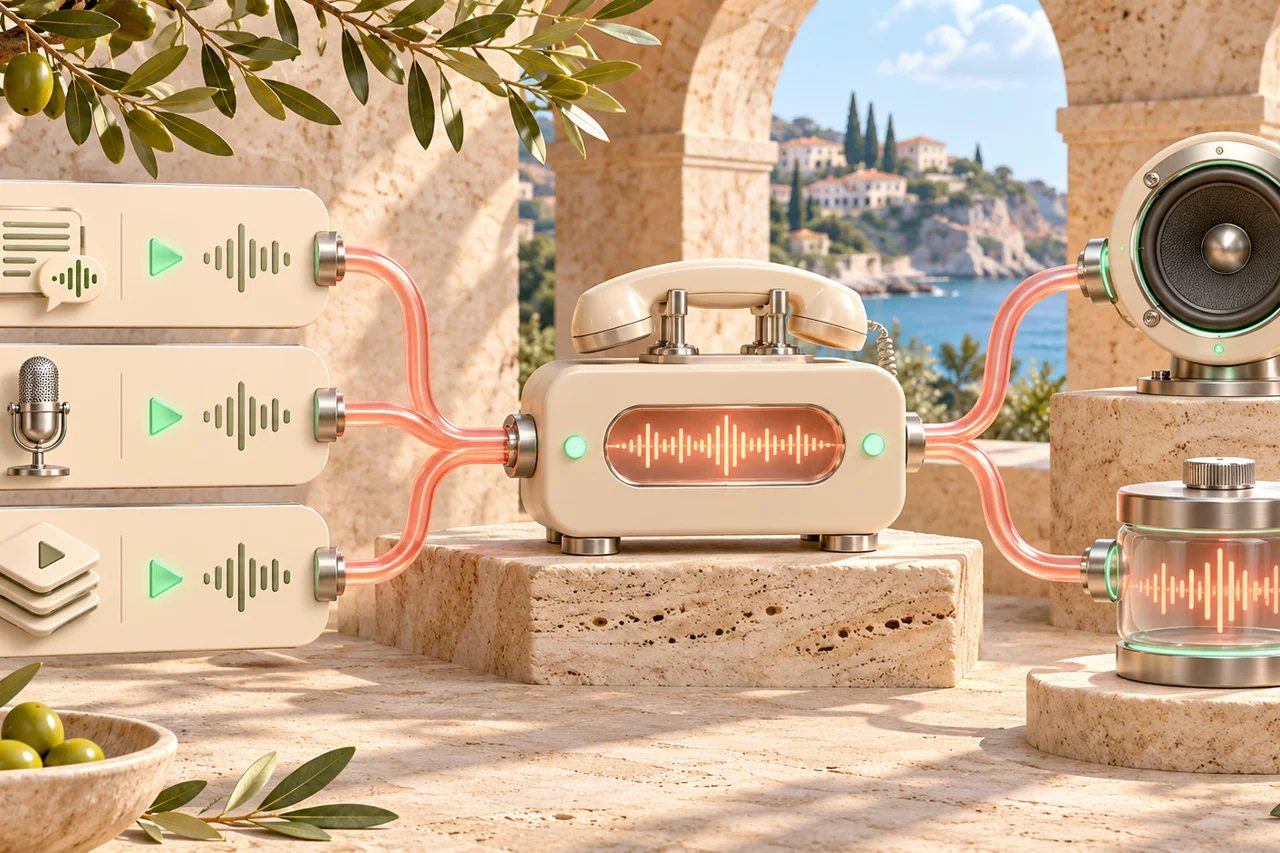
Plivo provides programmable calls, numbers, XML call controls, callbacks, recordings and audio streaming. Its audio-output documentation covers <Speak> for synthesized speech and <Play> for audio files.
Fish Audio generates a reusable voice and downloadable or API speech. The useful split is:
- Plivo
<Speak>: fast path when a current Plivo voice meets the brief. - Plivo
<Play>: fixed Fish Audio prompts stored at an approved HTTPS URL. - Plivo audio streaming: generated or bridged audio for dynamic conversations.
Start with the official Plivo audio-output documentation and Plivo audio-streaming product.
Should you use Speak or Play?
Use <Speak> when the text is short, the platform voice fits and operational simplicity matters. Plivo owns synthesis in that path.
Use <Play> when the content is stable and Fish Audio's voice is part of the brand. Generate the file, validate it at phone quality, host it over HTTPS and let Plivo play it.
Play is usually better for:
- IVR greetings and menus;
- regulatory or legal recordings;
- recurring campaign prompts;
- names and phrases that need a specific voice.
Speak is usually better for:
- volatile text;
- quick prototypes;
- low-value status messages;
- cases where another provider adds no product value.
How should hosted audio be prepared?
Plivo documents HTTPS URLs, compressed files, reliable hosting, a CDN and an 8 kHz phone-quality test. Treat those as release requirements.
Prepare each prompt with:
| Check | Recommended evidence |
|---|---|
| URL | Public HTTPS endpoint with valid TLS |
| File | Current Plivo-supported audio format |
| Duration | Short prompt with no long silence |
| Voice | Same approved Fish Audio voice across menus |
| Delivery | CDN or reliable object storage |
| Fallback | Plivo <Speak> or an alternate approved file |
Do not expose a signed URL that expires before an outbound campaign finishes. Keep a versioned prompt ID and file hash so a voice change is auditable.
How do dynamic AI replies work?
Fixed prompts can be pre-generated. Dynamic replies need either rapid file generation followed by playback or a bidirectional media stream connected to the agent.
The architecture is:
- caller speech reaches the Plivo call or stream;
- the agent creates a short text response;
- Fish Audio streams or generates speech;
- an adapter converts the audio to Plivo's required transport;
- playback starts at the first safe chunk;
- a new caller turn cancels old output.
Use the real-time text to speech guide for chunking and latency. Test the real Plivo path rather than a desktop browser player.
What should be tested on a phone call?
Measure time from the caller's final syllable to the first reply word. Record p50 and p95 across mobile, landline and weak networks.
Test:
- IVR prompt before and after answer;
- long response with a name and account number;
- caller interruption during generation;
- caller interruption during playback;
- broken hosted-audio URL;
- fallback to
<Speak>; - human transfer.
The voice-agent TTS fallback guide defines failure classes and transcript-aware recovery.
How do pricing and rights work?
Fish Audio uses one-time character credits; API access starts with the $99 Studio pack. Plivo numbers, calls, recordings and streaming are separate charges.
Commercial usage rights for Fish Audio generation begin with the $29 Creator pack. A cloned voice also needs documented speaker permission. See AI voice commercial use and voice cloning consent.
Do not include Plivo charges in a Fish Audio per-character estimate, or vice versa.
What should production monitoring include?
Track prompt URL failures, first-audio p95, generation failures, playback cancellations, fallback rate and call hangups during the first two seconds.
A spike in early hangups often points to bad audio, wrong sample rate or a slow URL. A spike in generation failures points to Fish Audio credentials, quota or model configuration.
Version every prompt and log the voice ID, script hash and file URL key without recording customer media unnecessarily.
Key takeaways
- Plivo
<Speak>is platform synthesis;<Play>is approved audio playback. - Fish Audio can generate prompts for Play but is not a claimed native Plivo voice.
- Use HTTPS, compressed files, reliable hosting and real phone-quality checks.
- Dynamic replies need a streaming bridge plus interruption handling.
- Plivo telephony and Fish Audio character costs are separate.
Related telephony guides
- Telephony text to speech API - codec and provider boundaries.
- Telnyx text to speech - REST, WebSocket and Voice API.
- Vonage text to speech - NCCO talk and stream.
- Asterisk text to speech - local playback and AudioSocket.
Frequently asked questions
Can Plivo use Fish Audio for text to speech?
Plivo can play generated audio through a supported playback or streaming path when its format and hosting requirements are met. Fish Audio remains a separate TTS provider.
Should I use Speak or Play?
Use Speak for Plivo-native synthesis. Use Play for approved audio files generated by Fish Audio, with the URL and phone-quality output tested.
What audio format should a Plivo prompt use?
Follow the current Plivo audio-output documentation. It recommends HTTPS, compressed files, reliable hosting and an 8 kHz phone-quality check.
How do dynamic AI replies work?
Generate short speech chunks and stream them through a supported Plivo path, or pre-generate cached prompts. Handle barge-in and discard stale audio.
How much does the speech cost?
Fish Audio consumes prepaid character credits. Plivo calls, numbers and media are separate charges.